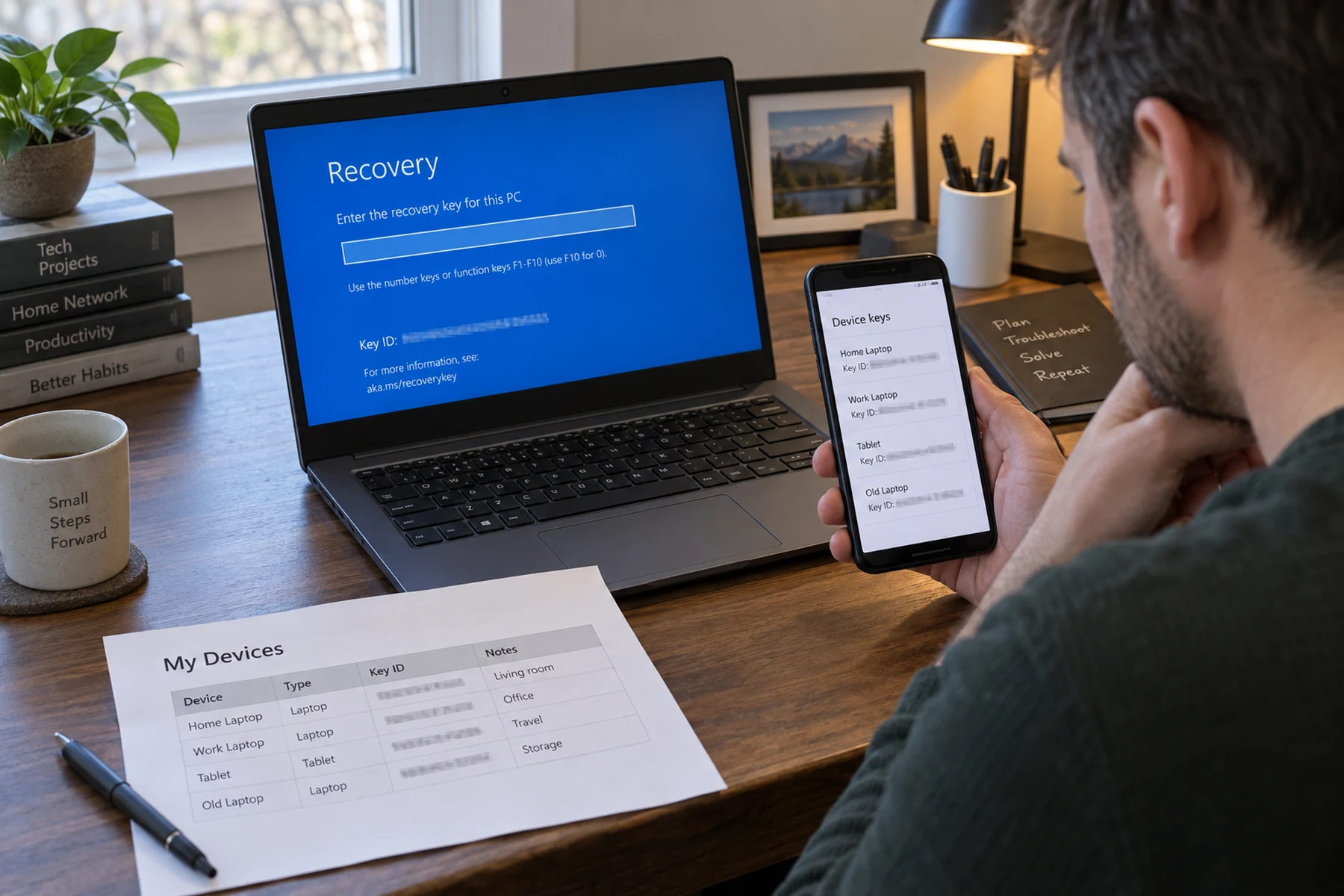
A Remote Desktop error can look like a broken client, a bad password, or a damaged update. Microsoft’s October 13 release-health note names a much narrower condition: after the September preview update KB5124010 or a later update, a non-admin user may fail to connect to a remote device that has Administrator protection enabled. The reported code is 0xC000000D, with a token-invalid message. That matters because the failure is tied to a security feature and the host’s configuration, not simply to the person clicking Connect.
Quick scan
In brief
Microsoft’s known-issue description identifies non-admin accounts connecting to remote hosts with Administrator protection enabled.
The release note says the issue can follow KB5124010 or later updates and returns 0xC000000D.
The listed mitigation changes a security policy, so it belongs to an authorized IT administrator—not a home-user script.
What Microsoft has actually confirmed
The affected pattern is specific. A standard account initiates Remote Desktop to a remote Windows device acting as the host; that host has Administrator protection enabled; and the connection fails after the listed September preview update or a later update. The release note does not say that all Remote Desktop users, all Windows editions, or every connection protocol is affected. Keeping those boundaries in the headline is useful: a vague “October update broke RDP” can send an unrelated user down a risky repair path.
The error text is also not a diagnosis by itself. A token-invalid message is a clue that the sign-in flow failed, but it does not prove that the password is wrong or that an account should be promoted to administrator. Microsoft ties the known issue to the combination of account privilege and a host-side protection setting. If your situation does not match those details, treat it as a separate connection problem and use the normal client, network, and identity checks.
Why Administrator protection changes the troubleshooting decision
Administrator protection is intended to reduce how privileged actions are exposed during daily use. Microsoft says its security baselines enable the feature by default for several Windows 11 versions unless an organization has changed the policy. That means a user can encounter the issue on an enterprise-managed host without having personally switched on a visible setting. The setting may be enforced by Intune, Group Policy, or another management process, so the owner of the laptop may not be authorized to change it.
This is why copying a registry edit from a forum is the wrong first response. Disabling a protection setting may restore a connection in a narrow case, but it also changes the security posture of the host. A support team needs to know which machines, accounts, builds, and policies are involved, and how the temporary change will be tracked. If the system is managed by an employer or school, report the exact code to that administrator and leave policy controls alone.
Evidence map
What to separate
| Layer | Focus | What the evidence says |
|---|---|---|
| Signal | What Microsoft has actually confirmed | The affected pattern is specific. |
| Constraint | Why Administrator protection changes the troubleshooting decision | Administrator protection is intended to reduce how privileged actions are exposed during daily use. |
| Proof point | What to check before assuming this is your issue | Record the Windows version and OS build on both ends of the connection, the date the failure began, and whether the account is a standard or admin account. |
What to check before assuming this is your issue
Record the Windows version and OS build on both ends of the connection, the date the failure began, and whether the account is a standard or admin account. On the host, ask an administrator whether Administrator protection is enabled and whether the device received KB5124010 or a later cumulative update. Do not publish usernames, device names, tenant details, or screenshots that expose organization information. A short factual note is more useful than repeatedly retrying with changing credentials.
Compare a connection from an approved account only if the device owner or IT team authorizes the test. Do not use an administrator account to bypass access rules. If the same person can connect to a different host but not this one, that narrows the location of the fault; it still does not prove the update is the cause. Likewise, another failure on the same host may point to a different Remote Desktop, firewall, identity, or policy issue. Change one condition at a time and preserve the original error.
What an administrator can do—and what should remain temporary
Microsoft lists temporarily turning off Administrator protection through the organization’s existing policy-management method as a mitigation for affected devices. Its note specifically points administrators to the User Account Control Type Of Admin Approval Mode policy in Intune or Group Policy. That is an administrative change, not a user-level repair. It should be scoped to confirmed affected hosts, approved through the organization’s change process, documented with a start time and owner, and reviewed against the organization’s threat model.
A safe rollout has a reversibility plan: record the current policy, apply the smallest approved change, test the standard-user connection, and track the result against the Microsoft issue page. Restore the intended protection when a supported fix or organizational decision allows it. The release note does not promise a universal client-side patch or a permanent workaround. If an organization needs an immediate mitigation beyond its approved controls, Microsoft directs IT administrators to its business support channel.
A quick decision map for readers
If you are connecting from a personal PC to a home machine, first check whether the host is managed and whether it uses the named feature; do not infer that it does just because a Windows update installed. If this is a work or school host, send IT the code, timestamp, host build, client build, account role, and update history. If the error differs or the setup does not match Microsoft’s note, use the ordinary Remote Desktop checklist rather than applying this workaround.
The practical distinction is between a confirmed product issue and a plausible explanation. Microsoft has documented the condition, which raises confidence for a matching setup. It has not established that every similar-looking failure has the same cause. This story was checked against Microsoft’s release-health entry on October 20, 2026; update notes can change, so managed-device owners should confirm the current resolution before changing policy.
What evidence would change this story
The most useful next signal is a Microsoft release-health update naming a resolved build, a new workaround, or a broader affected configuration. For operators, useful evidence includes the host’s exact build, whether the security feature is enabled, and a reproducible standard-account test before and after an approved policy change. Anecdotal posts can help identify the error phrase, but they cannot establish the affected population or validate a security workaround.
Until that evidence appears, users should avoid uninstalling cumulative security updates just to test a theory. Removing an update can withdraw protections and may not address the host-side condition described by Microsoft. A support ticket that contains the narrow facts above is more likely to reach the right team than a request to “fix Remote Desktop.” We will revise this item if Microsoft changes the documented status.