
Remote Desktop Error 0xC000000D: A Safe Checklist Before You Change Windows Security
Separate an account problem, a host policy and Microsoft’s documented October issue before reinstalling apps or weakening a security control.
Open guide →Practical IT library
Step-by-step diagnostics for privacy, resilience, networks, safer downloads and buying hardware without avoidable mistakes.
Separate an account problem, a host policy and Microsoft’s documented October issue before reinstalling apps or weakening a security control.
Open guide →
A pending-restart message is often a state, not proof that Windows is frozen. Preserve the error and use built-in diagnostics before running cleanup commands.
Open guide →
An on-device model can still download weights, refresh catalogs, call tools or use cloud services. Check each boundary separately before putting sensitive work into it.
Open guide →
Model size is only the first line of the memory budget. Context, cache, runtime overhead, graphics memory and the workload decide whether local coding feels usable.
Open guide →
A 26H1 device can keep receiving monthly servicing while following a different feature-upgrade route. The announced path is future-oriented, not an instruction to reinstall.
Open guide →
The new Screen Time experience depends on the whole Family Sharing group, child-account setup and compatible software—not only the parent’s iPhone.
Open guide →
The September guide combines device settings with routines around sleep, school, exercise and relationships. Use it as a family planning prompt, not a universal minute limit.
Open guide →
Test the wired and wireless path while parked, confirm car compatibility, and change one connection variable at a time.
Open guide →
Google documents a diagnostic feature for US subscribers on Pixel 11 and lists information that can be included in a shared report. Check eligibility and review the data first.
Open guide →
Settings shows multiple update fields because Android security patches and Google Play system components are different release paths. Compare each date with the right source.
Open guide →
Keep the old device alive, inventory every account, prove recovery, migrate one service at a time, and retire old registrations only after a second login works.
Open guide →
iCloud Photos is a synchronized library, not a second trash-proof copy. Diagnose what is full, verify originals, enable optimization, and delete only with the propagation rule understood.
Open guide →
Close the page, preserve the address, revoke notification permission, inspect extensions and startup settings, then scan with built-in security before resetting everything.
Open guide →
Modern HTTPS protects much of the content in transit, but it does not authenticate the venue network, fix a phishing portal, hide all metadata, or secure an already-compromised device.
Open guide →
Heat, time at high state of charge, deep cycling, and workload matter more than a perfect percentage. Use the maker’s limit, measure real runtime, and treat swelling as a safety issue.
Open guide →
Match the exact hardware revision, export settings, use stable power and a wired admin connection, then verify DNS, Wi‑Fi, updates, and remote access after reboot.
Open guide →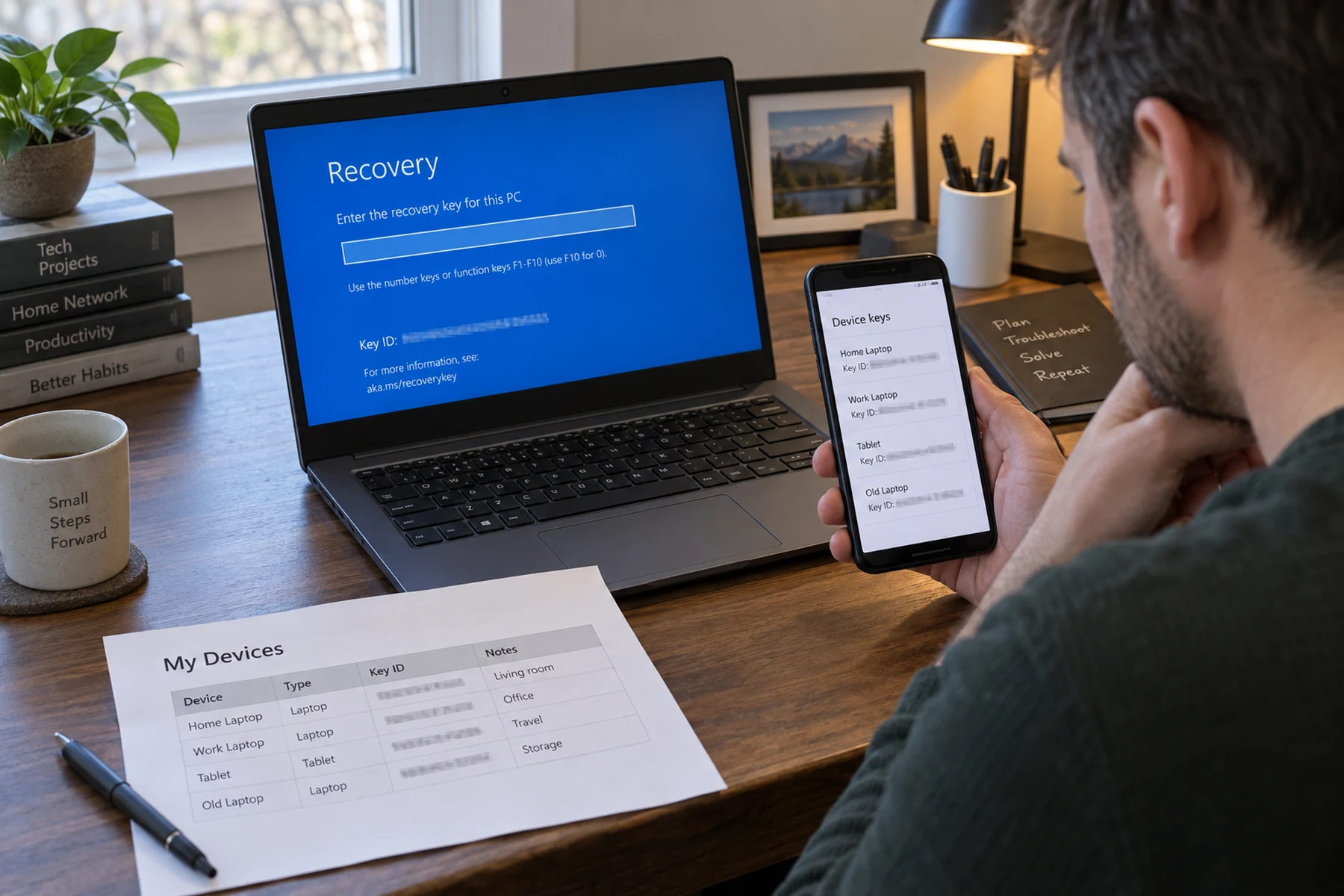
Match the key ID, preserve the encrypted drive, check the right account or organization, and use current Microsoft recovery guidance before changing firmware or wiping the PC.
Open guide →
An exposed address is not the same as a stolen password. Identify what data leaked, change reused credentials from a clean device, revoke sessions, and harden the email account that resets everything else.
Open guide →
Exports, passkeys, shared vaults and two-factor codes do not move the same way. A staged migration avoids lockout and cleans up the dangerous file afterward.
Open guide →
Carrier PINs help, but recovery also depends on email, backup codes, account sessions and knowing which services still treat SMS as identity.
Open guide →
The installer is the easy part. Recovery keys, firmware mode, network drivers and a tested backup decide whether the clean start becomes a lost-data event.
Open guide →
RAID keeps a service running after some drive failures; it does not create history, isolation or a clean restore point after compromise.
Open guide →
The plug shape does not promise charging speed, video, data rate or safe high-power operation. Read the device, charger and cable as one negotiated system.
Open guide →
Temperature alone is not the diagnosis. Workload, airflow, firmware, dust, battery condition and room temperature create different fixes.
Open guide →
Profiles reduce accidental account mixing, but employer management, extensions, downloaded files and shared operating-system access still cross boundaries.
Open guide →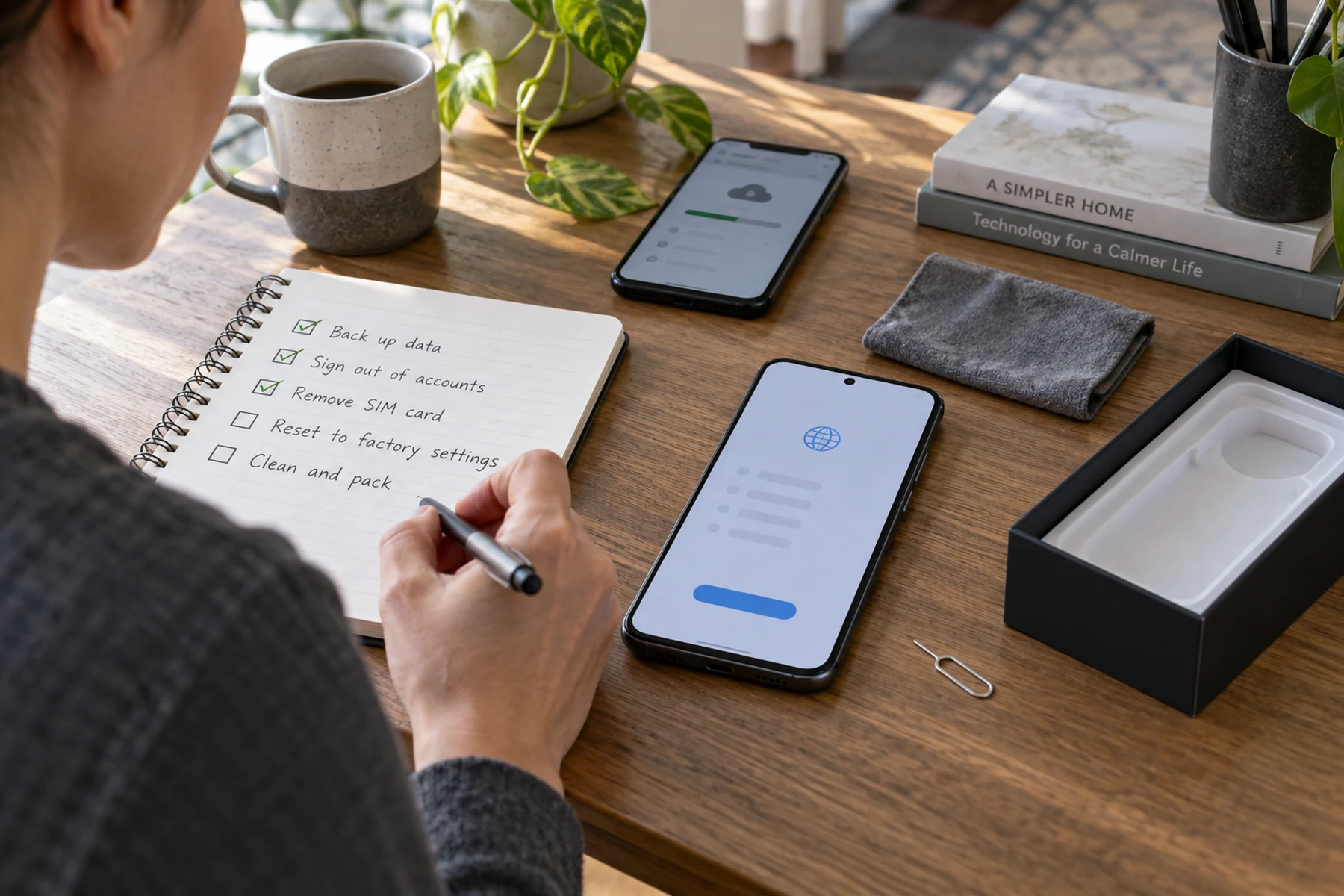
A factory reset is near the end of the process. First prove the backup, move authentication, remove payment credentials and detach the device from account locks.
Open guide →
A practical five-minute check for software pages, sponsored results and installers that ask for more than they need.
Open guide →
The 3-2-1 idea is a starting point. The real test is whether one ordinary person can recover one important file under pressure.
Open guide →
Separate an internet problem from a wireless problem, then change one variable at a time.
Open guide →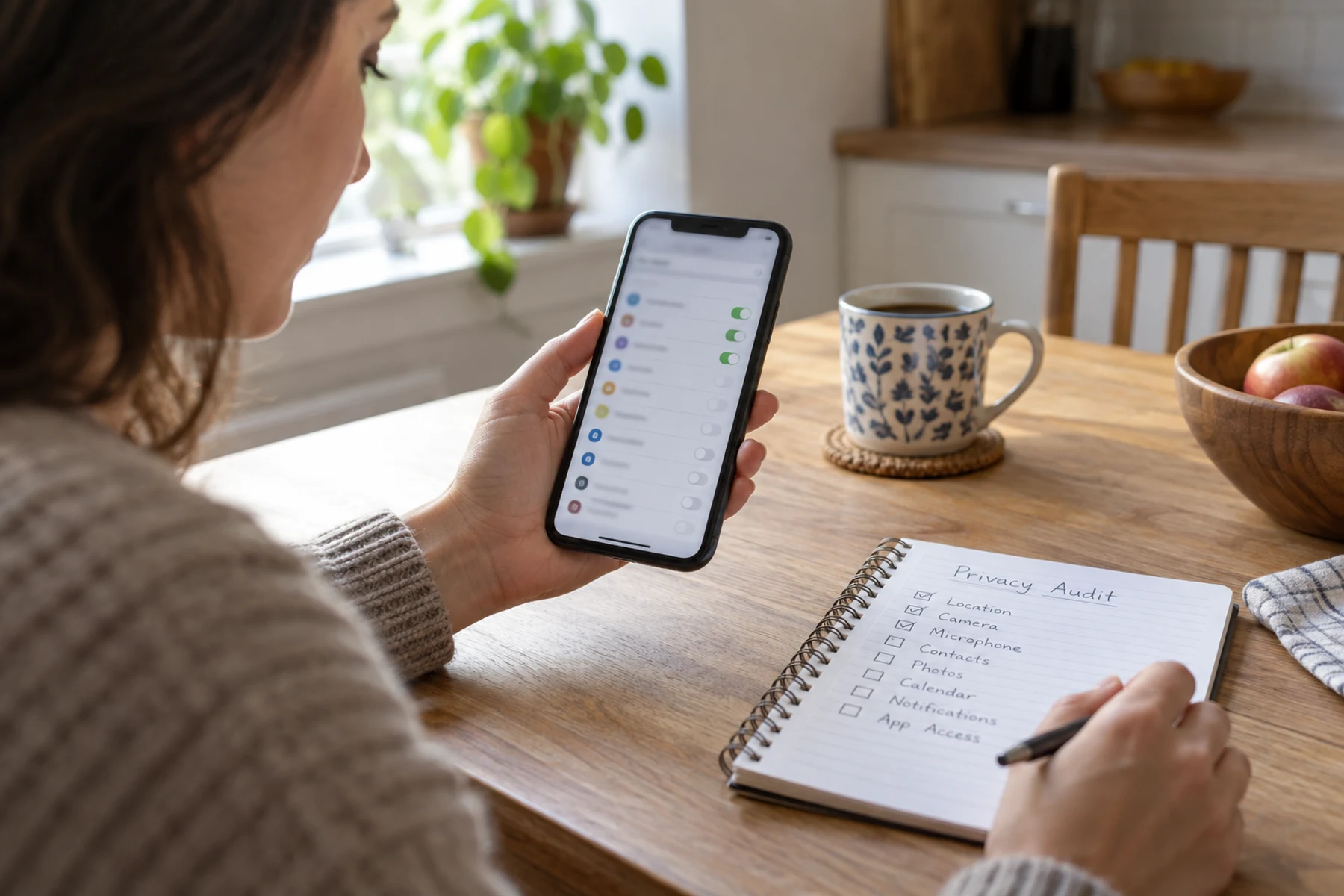
Review access by capability — location, camera, microphone, contacts and files — instead of opening apps one by one.
Open guide →
Bring a charger, a USB device and fifteen minutes. Check locks, battery health, ports and display before discussing price.
Open guide →