Google’s Pixel Support team announced the October 2026 monthly update for supported Pixel phones running Android 17, with rollout continuing in phases depending on carrier and device. Google’s general update page says an update can take a few weeks to reach a particular phone. That explains why a neighbor’s Pixel may show a notification first, but it does not tell you whether your own phone is eligible or already protected. Check the device’s version and patch date before attempting any manual install.
Quick scan
In brief
Google announced the October Pixel rollout on October 6 and said carrier and device affect timing.
Google says staged updates may take a few weeks to reach an individual Pixel.
The Android and Pixel bulletins provide separate security detail; use the patch date and device model rather than rumor.
What Google announced for October
The Pixel Support announcement says Google started rolling out the monthly October 2026 software update to supported Pixel devices running Android 17. The rollout is phased and depends on carrier and device. The announcement links to the Pixel Update Bulletin for security details, while the Android Security Bulletin describes platform-level fixes. Those documents establish the patch scope; they do not mean every phone receives the same build at exactly the same time.
Google’s update page explains that updates arrive gradually and may take a few weeks. Carrier testing, device model, region, and the software branch can affect timing. A missing notification on the first day is therefore not enough evidence that an update failed or that a phone is excluded. Start with the installed security patch date and exact model.
Check the phone’s actual update state
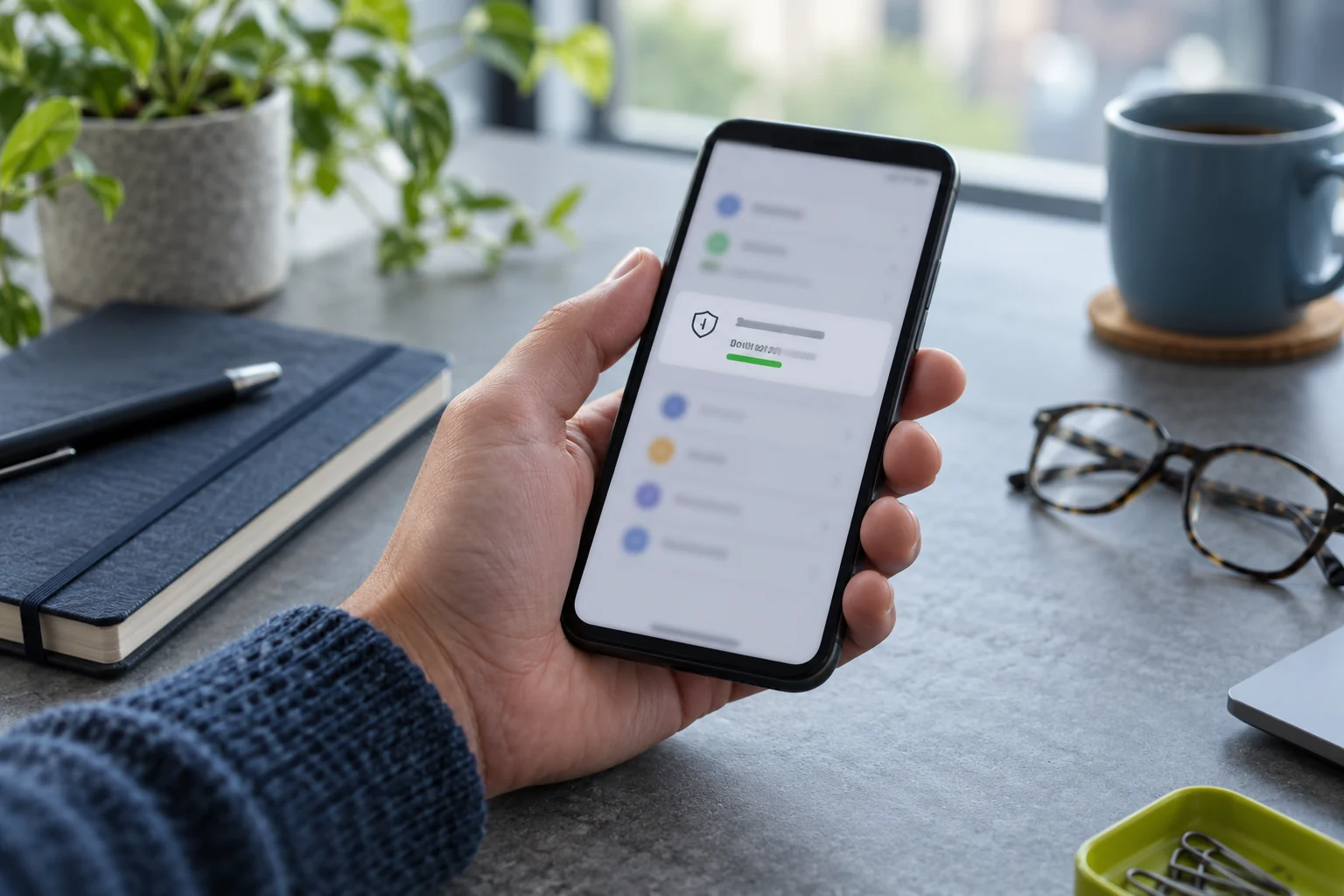
On the Pixel, open Settings → System → Software updates and check the status. Then open Settings → About phone → Android version and record the Android version, Android security update, Google Play system update, and build number. These are separate fields. Compare the exact model and build with the current Pixel bulletin rather than relying on a screenshot from another owner or an unsourced list of build numbers.
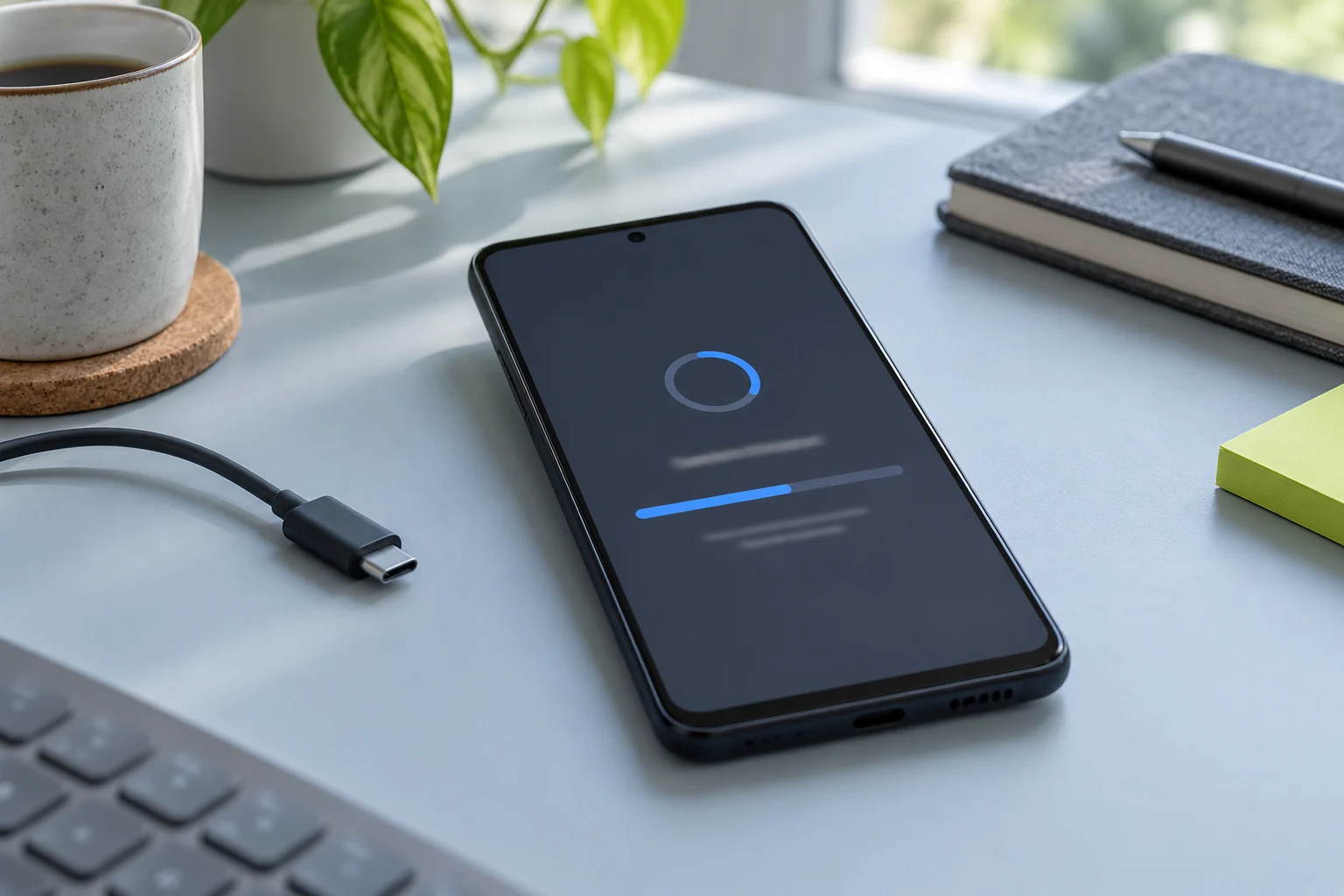
If an update is available, connect to a reliable Wi-Fi network, charge the device, and follow the on-screen instructions. Google recommends at least 75 percent charge before updating. Pixel downloads can install in the background and become active after a restart, so a downloaded update may not be fully active until the device reboots. Save open work and allow the process to finish.
Evidence map
What to separate
| Layer | Focus | What the evidence says |
|---|---|---|
| Signal | What Google announced for October | The Pixel Support announcement says Google started rolling out the monthly October 2026 software update to supported Pixel devices running Android 17. |
| Constraint | Check the phone’s actual update state | On the Pixel, open Settings → System → Software updates and check the status. |
| Proof point | Why another phone may update first | A staged rollout spreads the release across devices rather than pushing the entire fleet at once. |
Why another phone may update first
A staged rollout spreads the release across devices rather than pushing the entire fleet at once. Carrier and device differences can affect when the notification appears. Some fixes can also have model or region applicability. A friend receiving a build earlier does not prove that your phone is stuck, and two devices showing different build strings may be on separate carrier branches rather than one being unsafe.
Check Google’s bulletin for the supported devices, build names, and any carrier-specific caveats. If your model is not listed, contact the manufacturer or carrier using an official support path. Do not infer eligibility from a retailer’s display name alone; confirm the exact model number. If the phone is managed by an employer, the organization may control updates or require a specific window.
If the official rollout window has passed, compare your exact model and carrier build with Google’s Pixel bulletin and ask the carrier whether it delays the release. Keep the phone on the supported version it already has and install any update the built-in updater offers. If the patch remains older than expected for weeks, open a support ticket with the model, carrier, Android version, security date, Play system date, and build number. That evidence lets support distinguish a normal phased release from an enrollment, storage, or device-eligibility problem.
Avoid sideloading just to beat a rollout
Google hosts factory images and OTA packages for legitimate developer and recovery uses, but manual installation changes the risk and complexity. It can erase data, fail on the wrong model or carrier build, or make support harder. Do not unlock a bootloader or install an image from a mirror because a forum post says it is the quickest way to get a monthly patch.
For ordinary use, wait for the supported OTA or contact Google, the device maker, or carrier if the rollout window has passed and Settings still offers no update. Back up important data before any advanced recovery action. If the phone has a modified operating system or an unlocked bootloader, the normal update advice may not apply; get device-specific help before making changes.
What to do if an update download fails
Google says that if an update starts but does not finish, the phone will automatically retry over the next few days and notify you. Check free storage, battery, and network conditions, then let the automatic retry happen unless the screen reports a specific error. A failed download is not a reason to clear all app data, factory-reset the phone, or delete update files using a third-party utility.
If the error repeats, record the exact text, model, build, patch date, and whether the device is carrier-managed. Contact the official support channel. Keep any backup and account recovery methods available before a reset is discussed. A reset can remove local data and may not change the rollout schedule, so it should not be the first response to a staged release.
The practical check
As of October 20, compare your phone’s security patch level with Google’s October Android and Pixel bulletins. A supported device that is a few days behind during a phased rollout may simply be waiting for its carrier/device slot. A phone that is well beyond its expected support period or repeatedly fails to update needs a different support check.
The useful evidence is your exact model, Android version, security patch date, Play system date, build, and carrier—not a vague claim that the October update is missing. Keep those details in a support ticket, and revisit Google’s release note because rollouts and bulletins can be updated after publication.