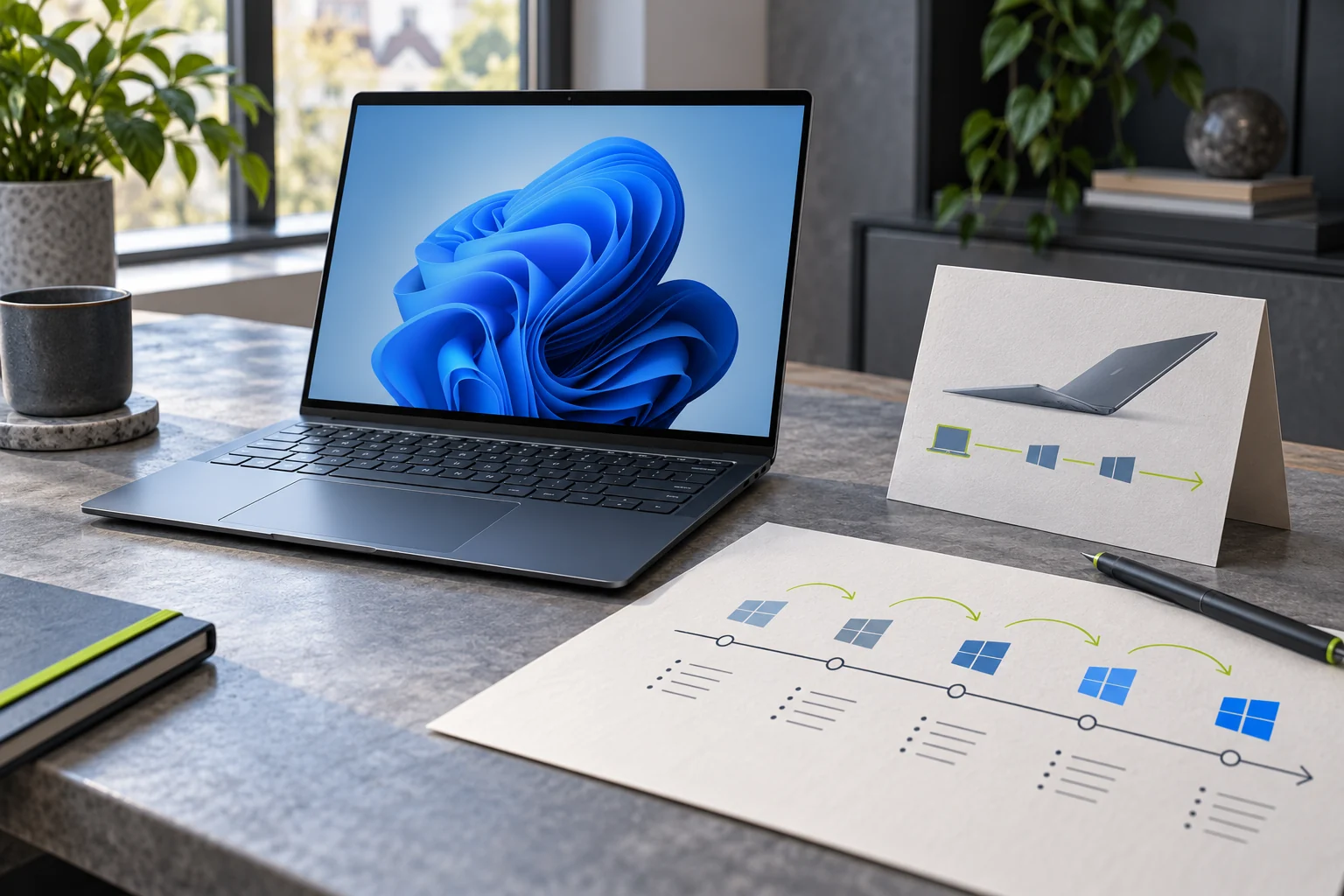
Owners of a new Windows 11 26H1 device may notice that their PC does not move to the fall annual feature release alongside other computers. Microsoft says 26H1 is based on a different Windows core and will not take the normal in-place path to the next annual update in the second half of 2026; it says those devices will have a path in a future Windows release. That is unusual, but it is not the same as saying the PC stops receiving monthly security updates or has been abandoned.
Quick scan
In brief
Microsoft says 26H1 devices will continue to receive monthly security, quality and new-feature updates.
The company says 26H1 is based on a different core and will have an upgrade path in a future Windows release.
Do not use a forced installer or downgrade to solve a version mismatch that Microsoft has described as expected.
Two Windows update clocks are easy to confuse
Monthly quality and security updates are not the same thing as an annual feature update. A device can remain on its current feature version and still receive routine security fixes while that version is supported. Feature updates change the major servicing baseline and can follow eligibility, hardware, management, and rollout rules. Microsoft’s 26H1 note says that this device-specific release continues to receive monthly updates even though it cannot move to the next annual release in the usual way.
This distinction explains why a missing fall feature update does not automatically mean Windows Update is broken. First check the installed version and build, then compare it with Microsoft’s 26H1 page and the device manufacturer’s support material. Do not diagnose a support gap from the number alone. If security updates are also failing, that is a separate issue that deserves its own error code, update history, and troubleshooting path.
What Microsoft says about the 26H1 route
Microsoft describes 26H1 as a release for select new devices and says it is based on a different Windows core from 24H2, 25H2, and the upcoming annual feature release. The company says the next annual update is not an in-place upgrade for 26H1 devices and that those devices will have a path in a future Windows release. The support page does not tell every customer to reinstall or name a date for that future path.
That wording should be read narrowly. It explains why the standard update offer may not appear; it does not promise an identical timeline for every OEM model or edition. A PC manufacturer may publish firmware, recovery, or support guidance specific to the device. If you are using an enterprise image or a managed update ring, your organization can also stage feature updates differently from a consumer device.
A managed 26H1 device may show a different update schedule because the organization controls feature releases, even while monthly quality updates continue. Ask IT to confirm the assigned servicing ring and the future feature-update path in writing. Do not try to enroll in an Insider channel to make the version number advance; pre-release builds are not a substitute for a supported production upgrade. If the machine is used for regulated or sensitive work, a documented support path is part of the security posture, not merely an IT preference.
Action map
What to do next
| Layer | Focus | Working instruction |
|---|---|---|
| Check | Two Windows update clocks are easy to confuse | Monthly quality and security updates are not the same thing as an annual feature update. |
| Action | What Microsoft says about the 26H1 route | Microsoft describes 26H1 as a release for select new devices and says it is based on a different Windows core from 24H2, 25H2, and the upcoming annual feature release. |
| Verify | Check the device without changing its servicing state | Open Settings → System → About, or run winver, and record the exact version and OS build. |
Check the device without changing its servicing state
Open Settings → System → About, or run winver, and record the exact version and OS build. Note the edition—Home, Pro, Enterprise, or Education—and the device model. Then check Windows Update for the monthly cumulative update and the current feature-update offer. If the device is managed, confirm whether an administrator controls feature-update deferrals or safeguard holds.
Do not run an unofficial version upgrade tool or install a generic image to make the label match another computer. That can replace OEM customizations, drivers, recovery features, or management enrollment. If a seller advertised a specific version path, ask the manufacturer for support on that exact model. Preserve the serial number for private support communication; do not put it in a public post.
Keep security servicing current while waiting
Install the monthly updates that Windows offers for the device, restart when required, and verify the KB in Update history. If an update fails, capture its error and use Microsoft’s current Windows Update troubleshooter rather than trying to force a feature release. Keep a current backup and your legitimate recovery keys available before a major servicing operation. If BitLocker is enabled, verify that you can retrieve the key through your account or administrator before any recovery work.
The lifecycle page can clarify the support window for a particular edition, but do not assume that a page about Home and Pro covers Enterprise or Education identically. Microsoft has separate lifecycle entries. Device makers may also specify a supported OS range for firmware and drivers. The practical goal is not to maximize the version number; it is to remain on a supported, patched track with a recovery plan.
When the missing feature update is a real problem
Escalate if Windows Update also fails to install monthly security updates, the device reports an end-of-service warning, the manufacturer says the system is outside support, or the current version does not match what the device was sold with. Include the edition, version, build, model, update history, and management status. Ask whether the machine is on 26H1 by design and which official release path applies.
If the PC is personally owned and the update page offers a supported feature release, use the built-in offer after backing up important files. If a work or school admin manages the device, wait for its change window or contact IT. A well-supported exception should come with an owner and written guidance; an anonymous download link does not.
What to watch for next
The useful next announcement is a dated Microsoft or OEM update path that states which 26H1 devices qualify, what prerequisites apply, and whether user data and applications are preserved. Until that is published, the safe interpretation is that 26H1 receives monthly servicing but follows a distinct future feature route. Avoid reading a roadmap sentence as a promised release date.
Recheck official release-health and lifecycle pages when planning a device refresh or support window. The page can change as Microsoft publishes a later release. This guide was checked on October 20, 2026 and deliberately leaves the future upgrade date unspecified because the official page does not name one.