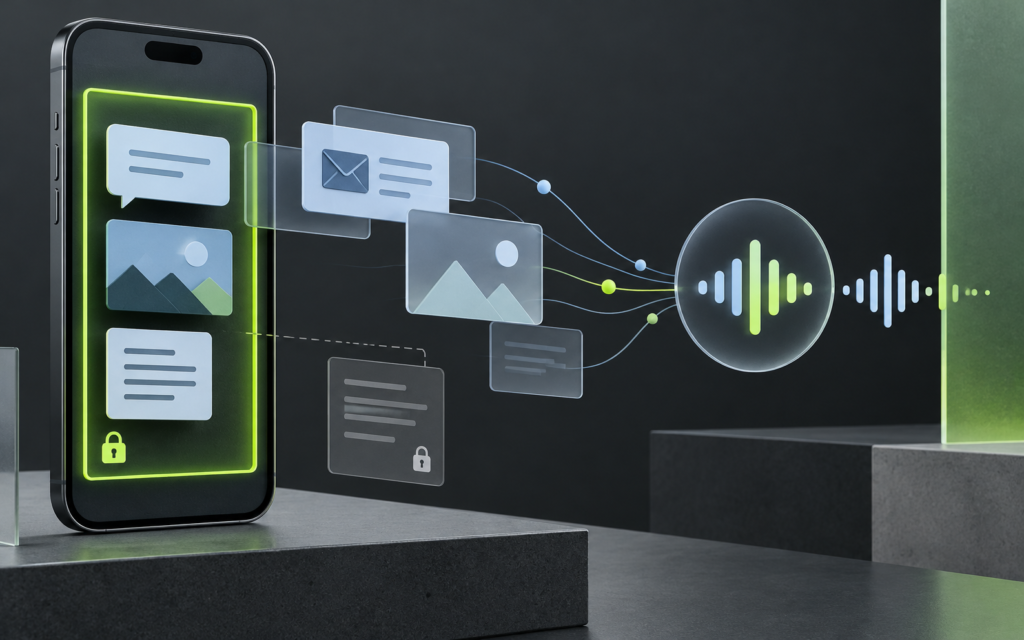
Apple’s September software rollout brought a more capable Siri AI into the conversation: the assistant can work with personal context across messages, email, photos and other apps, understand what is on screen, and take actions across the system. That changes the practical privacy question. It is no longer only “Does the assistant hear me?” It is also “What context can it use, what happens on-device versus in the cloud, and how do I check availability on my device?”
Apple’s September 14 release says Siri AI began rolling out in beta in English, with additional language support planned for October. The same release describes personal-context understanding and on-screen awareness, while its availability notes state that some features vary by language and region; iOS, iPadOS and watchOS Siri AI initially will not be available in the EU. Check the live Apple support page for your device and region instead of assuming every feature shown in a demo is active for you.
What is actually changing?
Traditional voice assistants mostly respond to direct commands: set a timer, play a song, or call a contact. A context-aware assistant aims to connect information across what you have already stored. You might ask for a detail from a message, ask about something visible on screen, or request a draft based on context. Apple also describes a dedicated Siri app whose conversations can sync across Apple devices through iCloud.
That convenience is useful precisely because the assistant can draw on more context. It also means the user needs to think about the source and sensitivity of the material being summarized or acted upon. A message that says “approve this payment” is still an unverified message, even if an assistant can read it back clearly. A summary is not authorization, and a polished answer is not proof that a request came from the person it names.
On-device processing and Private Cloud Compute, without the slogans
Apple’s public explanation says many Apple Intelligence tasks run on-device. For requests requiring more capacity, the device may use Private Cloud Compute (PCC). Apple says PCC processes the data needed to fulfill a request and does not store it or make it accessible to Apple. The company also describes a security design intended to let independent experts inspect the software running on PCC servers.
Those are meaningful architectural claims, but users should distinguish a company’s published design from independent verification of every feature in every release. Apple’s privacy materials note that cloud-bound requests may generate limited operational metadata such as feature used, approximate request and response size, and processing time. That is not the same as sending the request text, but it is a reminder that “private” does not mean “nothing ever leaves the device.” Apple’s public documentation and the actual feature path matter.
| Question | Useful answer | Do not assume |
|---|---|---|
| Can Siri use personal context? | Apple says Siri AI can search across apps such as messages, email and photos. | That it can correctly interpret every conversation or attachment. |
| Does every request go to a cloud model? | Apple says many tasks run on-device; some complex requests can use PCC. | That a single fixed rule applies to every feature and request. |
| Can feature access vary? | Yes—supported device, OS, language and region matter. | That a feature shown in a video is available on your account today. |
| Does a summary authenticate a request? | No. It reports content; it does not independently verify the sender. | That the assistant’s fluent output means the underlying instruction is safe. |
Four checks before relying on it
- Confirm compatibility and rollout. Use Apple Support’s Siri AI guide for your exact OS, device and language. The feature is a beta and may have usage limits or regional restrictions.
- Review your own comfort with personal context. Think about messages, photos, calendar entries, and email that may contain financial, health, work, or family information. Do not test a new assistant with sensitive material just to see what it can do.
- Look at Apple’s transparency controls. Apple’s privacy documentation describes an Apple Intelligence and Private Cloud Compute report in Settings under Privacy & Security on supported systems. It can show requests that were sent off-device. The availability and interface may differ by OS build.
- Keep consequential actions in the source app. For transfers, account changes, work approvals, or security settings, open the relevant service directly and verify the details there. Use an established confirmation process with the other person.
Why social engineers will care about context-aware assistants
More context can make legitimate tasks easier and malicious instructions more persuasive. An attacker might send a message that asks an assistant to summarize a “security notice,” draft a reply, or locate a one-time code. A user might also ask an assistant to evaluate a web page whose content includes instructions designed to influence the model. This does not mean a specific Siri vulnerability exists; it is a general design risk for any assistant that reads user-provided material.
The safe boundary is simple: treat messages, webpages, and attachments as data to inspect, not authority to obey. An assistant can help you notice a deadline or extract an account number, but it should not decide that a payment, password reset, or identity change is legitimate. The person or organization that owns the process must still authorize the action through an independent channel.
Practical examples
- A message says the bank needs your code: do not ask Siri to retrieve and relay the code. Contact the bank using the official app or the number on your card.
- An email requests a supplier bank change: use the company’s approved callback process to a number already on file; do not rely on reply-to details in the email.
- A webpage says to install a “required assistant extension”: stop and verify the software through the developer’s official distribution channel.
- A summary says a colleague approved a request: check the actual conversation or the workflow record. Summaries can omit context or make a wrong inference.
What we still do not know from the announcement alone
A platform launch announcement describes intended capabilities and supported configurations; it does not answer every edge case. Users should wait for their own device to receive the relevant software, read the specific feature documentation, and review the controls available in that build. If the feature is mission-critical for accessibility or work, test it on low-risk material first and keep the normal workflow available as a fallback.
For the launch hardware context, see our separate iPhone Duo launch explainer. This article is a consumer technology guide, not a security audit of Apple’s implementation.
Bottom line
Siri AI’s personal context is a convenience feature with an expanded trust boundary. Apple describes a split between on-device processing and Private Cloud Compute and provides documentation about privacy and transparency. Check the actual availability for your region and device, understand what the feature can read, and keep identity checks and high-impact approvals in the original service. The assistant can help you work faster; it should not become the authority that decides who deserves your trust.
Sources
- Apple, Sept. 14, 2026: major software updates and Siri AI availability
- Apple Support: Get started with Siri AI on iPhone
- Apple: Apple Intelligence and privacy, including transparency logging
- Apple Security Research: Private Cloud Compute Security Guide